iPhone guide · released October 2026
How to get better photos from your boyfriend with iPhone Duo
Use iPhone Duo’s outer-screen Duo Preview, Smart Take and 2x lens to get better photos from your boyfriend, with lens picks for outfits, portraits and travel shots.
By InstaBF · Updated · Specs from Apple’s published tech specs
Quick answer
On iPhone Duo, turn on Duo Preview so you can see yourself on the outer screen while your boyfriend shoots with the rear cameras. Use 2x for portraits, 1x for full-body photos, and let Smart Take catch the frames when you are posing.
The iPhone Duo cameras, and what each one is for
| Zoom | Camera | Use it for |
|---|---|---|
| 0.5x | Ultra Wide 48MP, 13 mm, ƒ/2.2, 120° field of view | Big scenery with you small in the frame. Keep yourself near the middle, away from the edges. |
| 1x | Fusion Main 48MP, 26 mm, ƒ/1.6, sensor-shift stabilization | Full-body outfit photos and anything in low light. |
| 2x | Telephoto (optical quality) 12MP, 52 mm, ƒ/1.6 | Waist-up portraits and half-body shots with a calmer background. |
Selfie camera: 12MP Center Stage camera above the outer screen, plus an under-display camera on the inner screen for video calls. Buttons: Camera Control, Action button.
Duo Preview: you can see the shot while he takes it
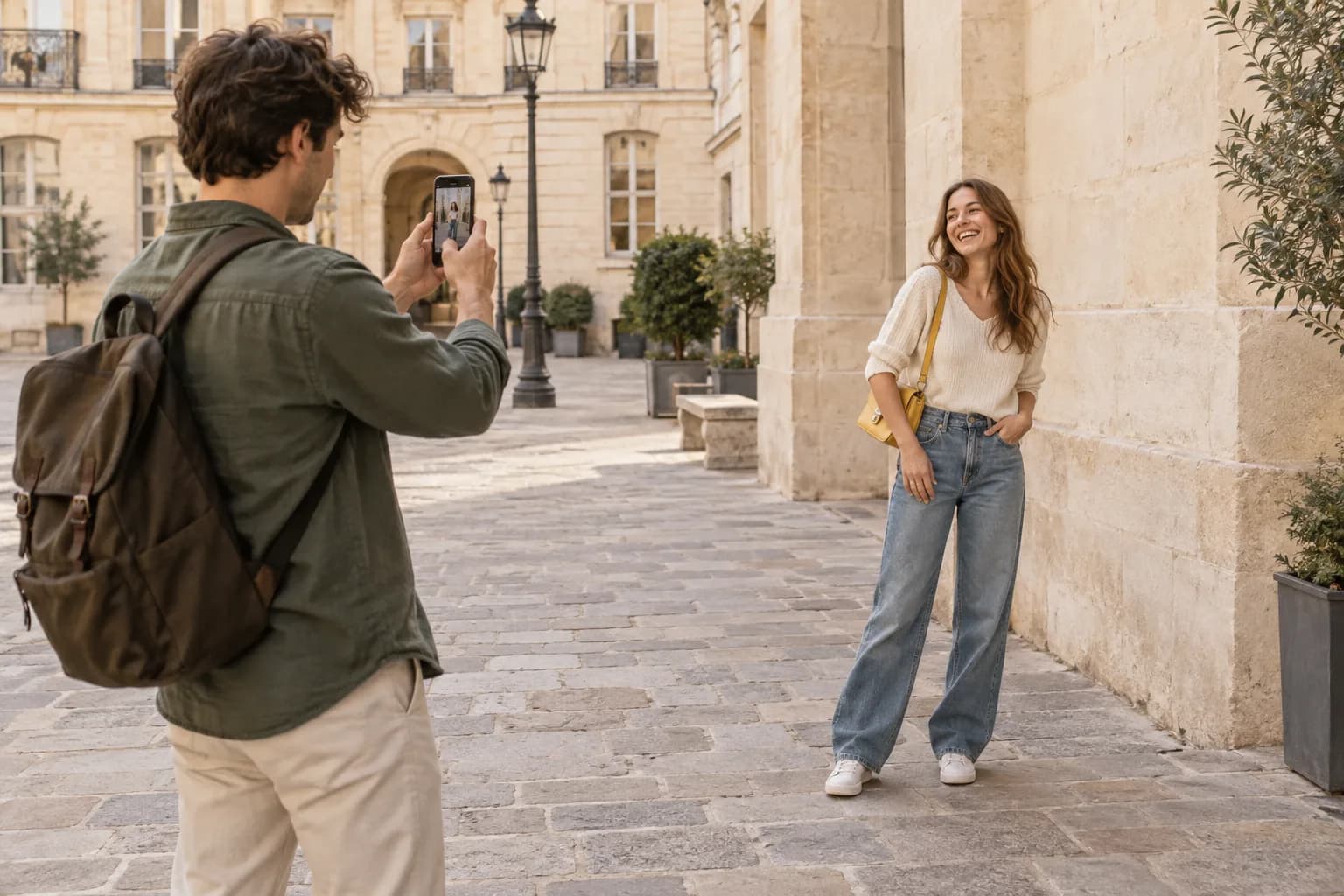
The biggest problem with boyfriend photos is that you can’t see what he sees. Apple says Duo Preview shows a live preview on the outer display so the person being photographed can pose, check the framing and guide the shot.
In practice: your boyfriend holds the phone open and watches the big inner screen, while you watch the outer screen facing you. You can see that your feet are cut off before he takes 30 photos, not after.
Smart Take catches the frame when you are posing
Smart Take uses on-device intelligence to capture photos automatically when it detects people posing. Your boyfriend doesn’t have to time the shutter, so he can concentrate on keeping the phone level and the framing right.
Treat it as a backup, not a replacement for a plan. Agree on the crop and the pose first, then let Smart Take help with timing.
Rear-camera selfies with a preview
Because the outer screen faces you when the phone is open, you can take a selfie or a couple photo with the rear cameras and still see the preview. That gives you the main camera’s quality for couple shots instead of the smaller selfie camera.
iPhone Duo has two rear lenses (0.5x and 1x) plus a 2x crop. There is no 4x or 8x telephoto, so for tight portraits from far away your boyfriend has to walk closer.
Which lens to use for each shot
Full-body outfit
1x
Open the phone, hold it vertically at waist height, 2–3 m away. Check your feet on the outer preview before he starts.
Waist-up portrait
2x
Step back until you fill about two-thirds of the frame. 2x keeps the background calmer than 1x up close.
Couple photo, no photographer
1x rear
Prop the phone half-open on a stable surface, check yourselves on the outer screen and let Smart Take or the timer fire.
You in a huge landscape
0.5x
Stand near the center of the frame. People at the edges of an ultrawide photo look stretched.
Set up your iPhone Duo before you hand it over
- Unfold the phone before handing it over. With Duo Preview, the outer screen faces you and shows his live view.
- Turn on Settings > Camera > Grid and Level. The grid gives your boyfriend lines to line you up with, and the level shows when the phone is straight.
- Wipe the lenses with a soft cloth. A fingerprint on the lens is the most common reason a phone photo looks hazy.
- Open InstaBF, frame the shot yourself and lock it. Your boyfriend lines his live view up with your saved frame instead of guessing.
What to tell him
“Keep the phone open, hold it at my waist and use 1x. I’ll watch the outer screen and tell you when I’m in place.”
iPhone Duo questions
Can the person being photographed see the preview on iPhone Duo?
Yes. Apple describes Duo Preview as a live preview on the outer display that helps subjects pose, check their framing and guide the shot.
Does iPhone Duo have a telephoto lens?
It has a 2x optical-quality telephoto that uses the 48MP main camera at 52 mm. It doesn’t have the 4x or 8x telephoto of iPhone 18 Pro.
Is Smart Take the same as a timer?
No. A timer fires after a fixed delay. Apple says Smart Take automatically captures photos when it detects subjects posing.