How to take full-body outfit photos on your iPhone
Get the whole outfit in frame with better camera distance, simple backgrounds, natural light and a quick edge check before the handoff.
By Insta BF · · 2 min read
Start here
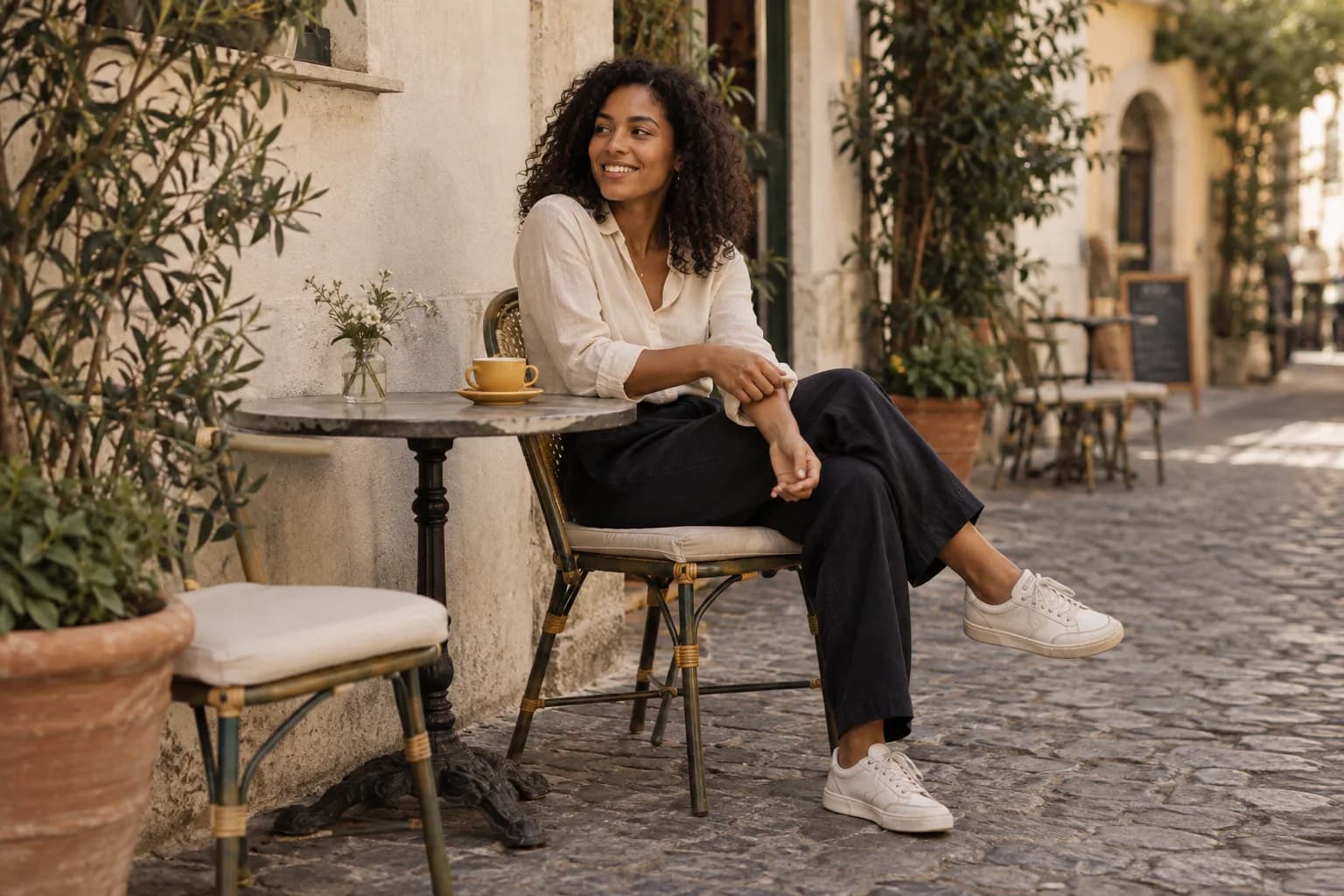
Leave breathing room above the head and below the shoes, hold the phone upright and use a background that lets the outfit stand out.
Build the picture around the whole outfit
Decide which details matter: the silhouette, shoes, bag or the way a jacket moves. A full-body image can show the overall outfit, but it may not show every small accessory clearly. Plan one overall frame and one detail instead of asking a single photo to do both.
Choose a background that separates from the clothing. A dark coat against a dark doorway can lose its shape. Step sideways until the outline is easier to see, and remove distracting objects from the frame by changing your position.
Set the distance before adjusting the pose
Start with the main camera and move back until the whole person fits comfortably. Hold the phone upright around waist or lower-chest height, then compare a slightly higher version. Keep the shoes away from the very bottom edge so there is room to straighten or crop.
Check vertical lines in the scene. If buildings appear to lean strongly, the phone may be tilted. Straighten it and adjust its height physically. If the sidewalk is too narrow, choose a different spot rather than making the photographer back into traffic.
Capture shape, movement and a detail
Take a simple standing frame first. Then try a slow turn, a step or opening the jacket slightly so the clothing moves naturally. Your photographer should keep the frame steady and capture several moments, not constantly change the angle.
Finish with a closer photo of a detail you love. Review the full-body image for clipped shoes, hands and distractions behind the head. With Insta BF, you can lock the chosen frame before your partner takes over, then use the same setup for another outfit or pose.
Before you hand over the phone
- Leave space around head, hands and shoes.
- Keep the phone upright and the background simple.
- Capture one whole outfit and one close detail.
A common question
Do I need Portrait mode for outfit photos?
No. A standard photo is a good starting point, especially when clothing edges and accessories matter. If you try background blur, inspect the outline of the outfit before choosing the final image.
Keep learning: Natural photo poses and better smartphone framing.