How to recreate a photo reference with your phone
Break a Pinterest or Instagram photo reference into framing, light and movement so you can create your own version with a friend.
By Insta BF · · 2 min read
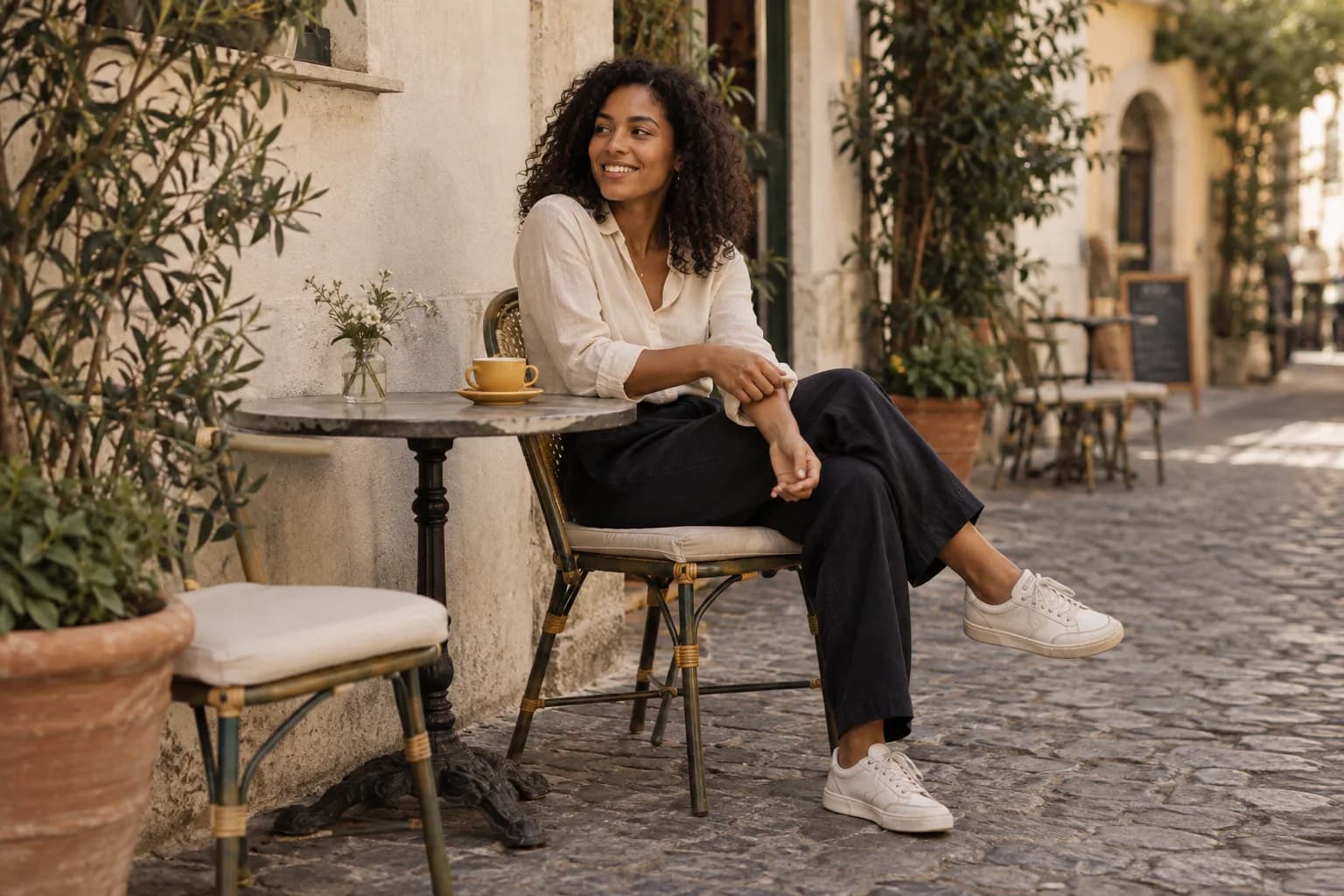
Start here
Recreate the ingredients you like, not every pixel: camera distance, direction of light, background and a simple action.
Name what you actually like in the reference
Save one reference and write down two things that attract you. It might be the small person in a big landscape, the side light on a face or the relaxed feeling of a walking shot. Without that distinction, you may spend time matching a pose while missing the composition.
Look at where the camera appears to be: near or far, above or below the subject, straight or tilted. Notice how much space surrounds the person. These clues are more useful for a first attempt than guessing which phone or filter was used.
Find similar light before a similar background
A bright indoor reference will be difficult to match in a dark room, even with a nearly identical pose. Look for the direction and softness of the light. A large nearby window or open shade can be a useful starting point for a softly lit portrait.
Adapt the location to what is available and safe. A quiet wall may give you the same clean composition as a crowded landmark. You can preserve the idea without reproducing the exact place or buying a matching outfit.
Make a first version, then change one ingredient
Show your partner the reference before handing over the phone. In Insta BF, an inspiration image can be overlaid on the camera preview to help compare placement and pose. Use it as guidance while watching the real scene and your subject.
Take a test and compare framing first, then light, then movement. If the pose is uncomfortable, change it. Treat someone else’s image as inspiration for your own photograph, and do not present their original image as your work. Your result can be successful even when it has a different mood.
Before you hand over the phone
- Pick two qualities you want to recreate.
- Match light and camera distance first.
- Adapt the pose and location to your own scene.
A common question
Why does my photo look different with the same pose?
Camera distance, lens perspective, light, background and editing all affect the result. Compare those ingredients before assuming the pose is the problem.
Keep learning: Natural photo poses and better smartphone framing.