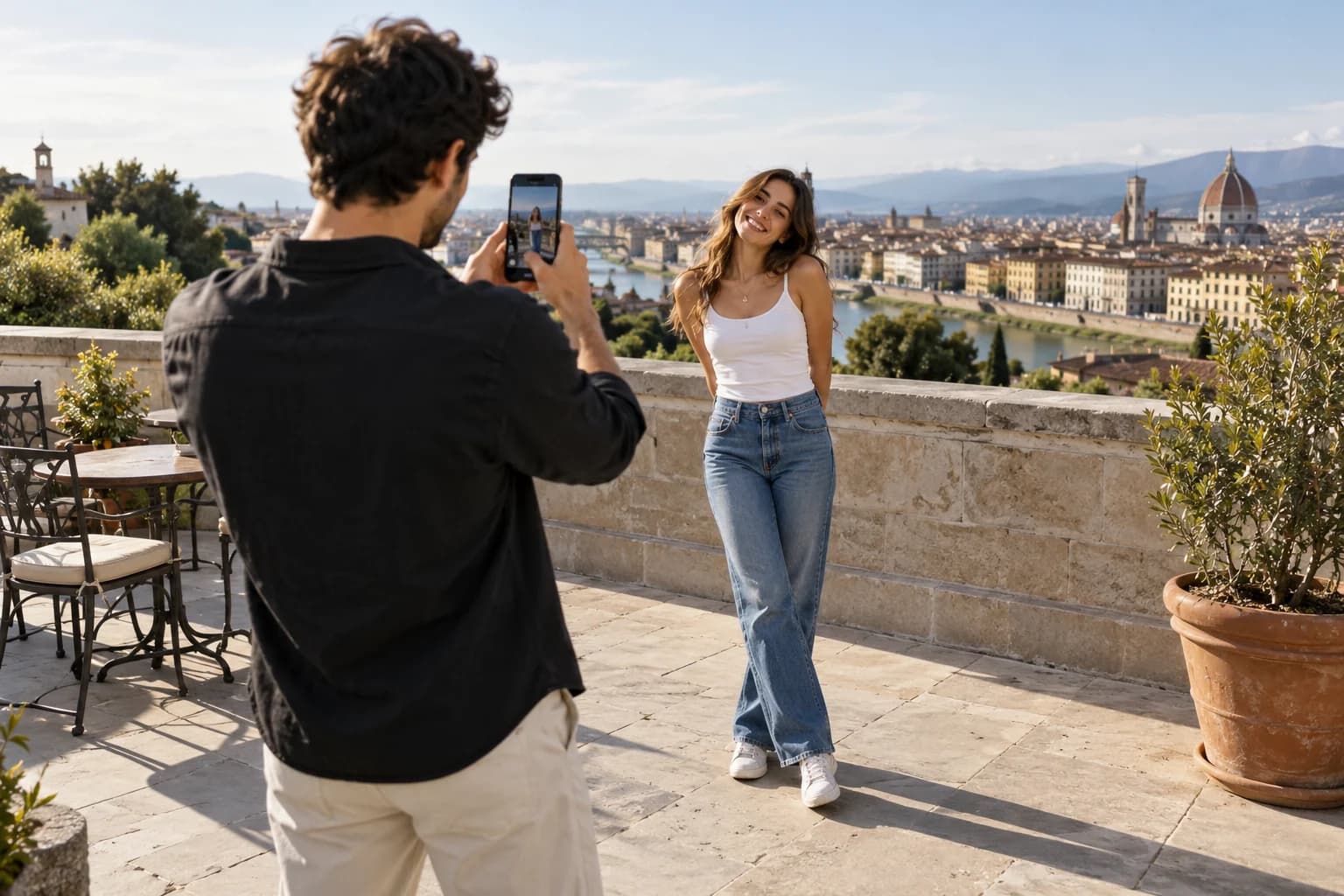
How to get better photos from your boyfriend with iPhone 17e
Get better photos from your boyfriend on iPhone 17e: how to use its single 48MP camera with 1x and 2x, the Action button shortcut and tips for scenery without 0.5x.
By InstaBF · Updated · Specs from Apple’s published tech specs
Specification source: Apple’s iPhone model comparison. Lens recommendations and shot instructions are InstaBF editorial guidance.
The iPhone 17e cameras, and what each one is for
| Zoom | Camera | Use it for |
|---|---|---|
| 1x | Fusion Main 48MP, 26 mm, ƒ/1.6 | Full-body photos, travel shots and low light. |
| 2x | Telephoto (optical quality) 12MP, 52 mm, ƒ/1.6 | Portraits and half-body shots. |
Selfie camera: 12MP TrueDepth camera. Buttons: Action button.
No Camera Control, so set up the Action button
iPhone 17e doesn’t have Camera Control. Set the Action button to open the Camera app, and show your boyfriend that either volume button takes the photo. Pressing a button is steadier than tapping the screen.
Two options, one rule
2x when the picture is about you, 1x when it is about your outfit or the place. Without an ultrawide, the phone can’t stretch your legs at the frame edge, which removes one of the most common boyfriend-photo mistakes.
Which lens to use for each shot
Full-body outfit
1x
Phone vertical at waist height, 2–3 m away, upright rather than tilted.
Portrait
2x
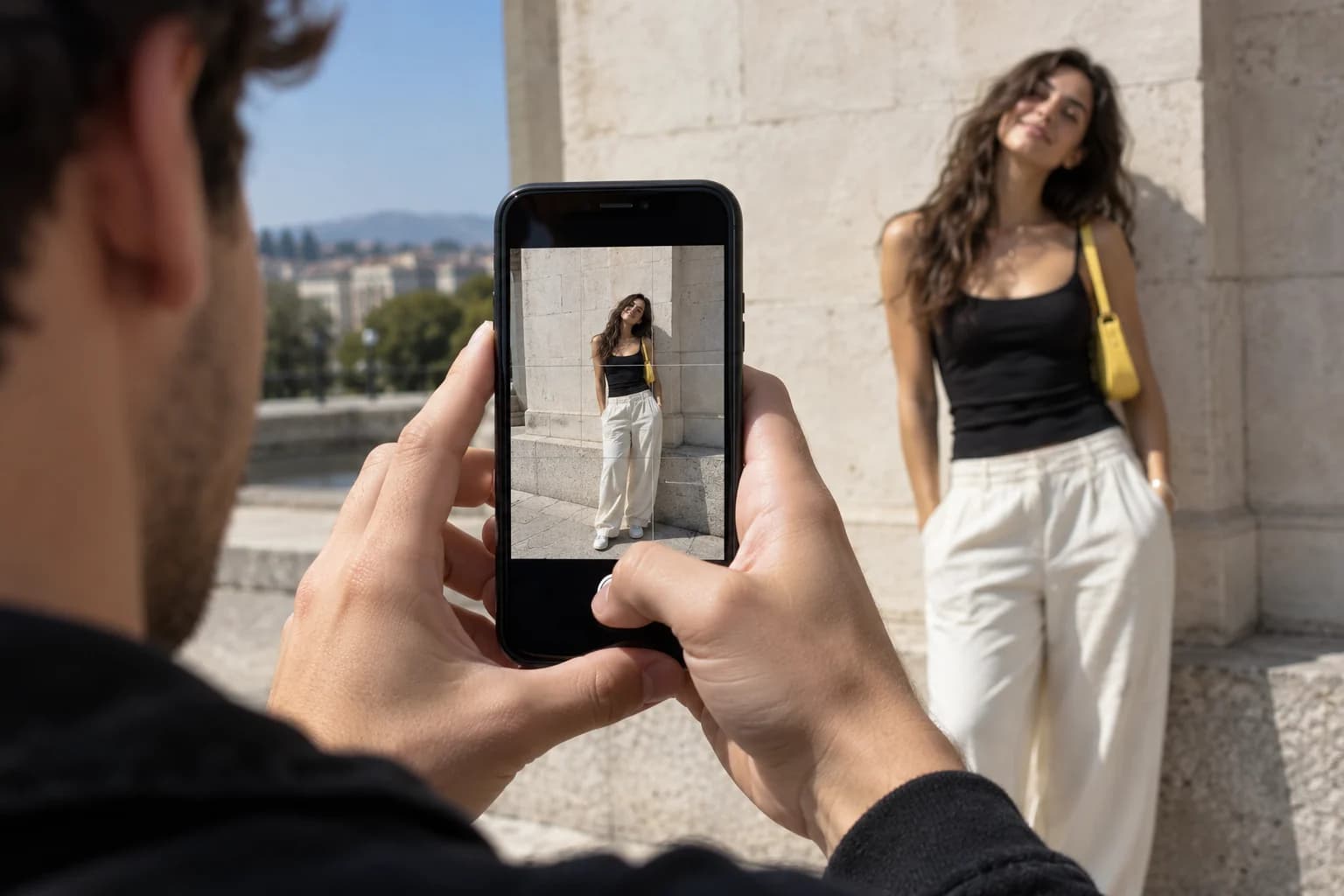
He backs up until you are framed from the waist up, phone at chest or eye level.
Selfie together
Front camera
Arm above eye level, faces close together, light in front of you.
Set up your iPhone 17e before you hand it over
- Settings > Action Button > Camera.
- Turn on Settings > Camera > Grid and Level. The grid gives your boyfriend lines to line you up with, and the level shows when the phone is straight.
- Wipe the lenses with a soft cloth. A fingerprint on the lens is the most common reason a phone photo looks hazy.
- Open InstaBF, frame the shot yourself and lock it. Your boyfriend lines his live view up with your saved frame instead of guessing.
What to tell him
“2x, phone at my chest, and press the volume button instead of the screen.”
iPhone 17e questions
Does iPhone 17e have Camera Control?
No. Use the Action button to open the Camera and a volume button as the shutter.
Can iPhone 17e take portrait mode photos?
Yes. Apple lists Portrait mode with Focus and Depth Control. Check the edges of hair and clothing before you pick the final photo.