How to film smoother walking videos on a phone
Plan a safe walking shot, reduce unnecessary camera movement and give your partner a clear route for a smoother smartphone video.
By Insta BF · · 2 min read
Start here
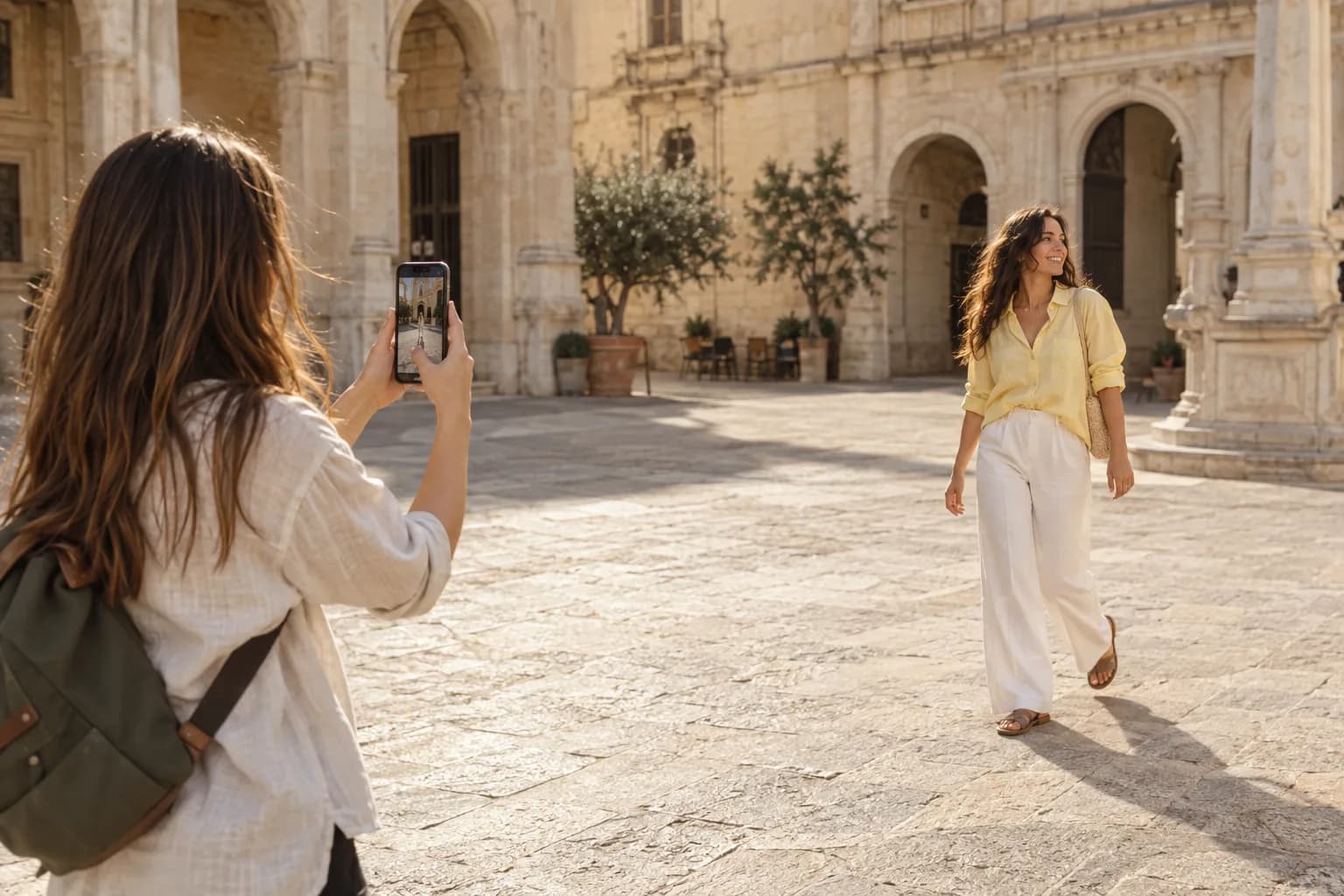
Make the route shorter and the camera movement simpler. A steady standing shot is often a better first option than walking backward with the phone.
Try a stationary walking shot first
Choose a short, clear path and stand to one side while your partner walks through the frame. Keep the phone still and let the person enter and leave. This gives the clip a natural beginning and end without requiring the photographer to walk.
Leave space in the direction of travel. Ask your partner to walk at an easy pace and repeat the same route if needed. Rehearse once to check that the feet, head and any outfit details stay visible.
If the camera moves, keep the route predictable
Film beside the subject on a clear, level path rather than walking backward where you cannot see. Keep both hands on the phone and make small, controlled steps. Do not try to watch the screen while navigating stairs, traffic or a crowded walkway.
Maintain a similar distance from your subject. Sudden changes in distance can feel like accidental zooming even when you never touch the zoom control. If you cannot keep the movement comfortable and safe, return to a stationary angle.
Give yourself an easy edit
Record a short still moment at each end. Keep one useful movement per clip and avoid abruptly swinging the phone to find another subject. Stop recording, reframe and begin a separate clip when you want a different view.
Watch the full take at normal speed. If the bounce is distracting, shorten the walking route or let the subject do more of the movement. Film an additional still detail, such as shoes taking a step or a hand opening a door, to give the sequence variety without needing a complicated camera move. Use the native video camera for these clips.
Before you hand over the phone
- Try a fixed camera before a moving one.
- Choose a clear path and avoid walking backward.
- Keep distance consistent and review the whole take.
A common question
Do I need a gimbal for walking videos?
Not for a simple sequence. Start with stationary shots, short routes and controlled movement. Additional equipment is only useful if it solves a specific problem in the kind of clips you want to make.
Keep learning: Help your partner film better videos of you.